Best Apple Watch Apps in 2026: 10 Picks Worth Installing
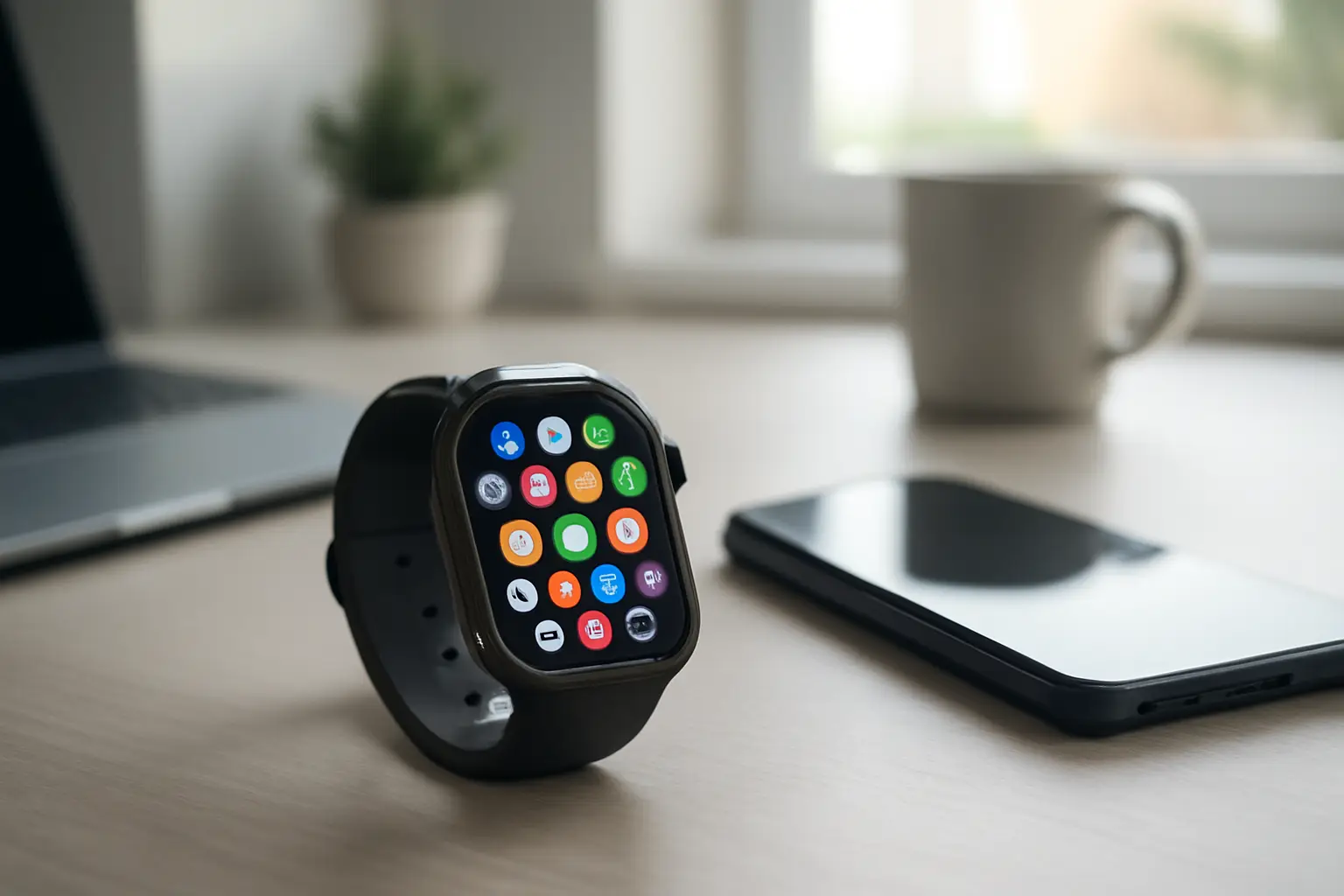
The Apple Watch does a lot out of the box: workouts, heart rate, sleep, messages and Apple Pay. Third-party apps are where it becomes genuinely personal — a better running coach, a sharper to-do list, podcasts without your phone. We picked ten Apple Watch apps that are still actively developed in 2026 and earn a place on your wrist, grouped by what you want the watch to do.
Fitness and health
1. Strava
Strava is the social network of running and cycling. The Watch app records runs, rides and walks with GPS and heart rate, then syncs them to your profile, where you can compare efforts on popular segments and follow friends. The core tracking is free; a subscription adds route planning, deeper training analysis and more detailed progress charts.
Best for: runners and cyclists who are motivated by community and comparison.
2. Nike Run Club
Nike Run Club offers something Apple’s own Workout app does not: audio-guided runs and structured training plans. Coaches talk you through easy runs, intervals and long runs, and plans adapt towards a goal such as a first 5K or a half marathon. It is free, which makes it one of the best-value apps on the watch.
Best for: beginners and anyone who runs better with a voice in their ear.
3. AutoSleep
Apple’s built-in sleep tracking has improved, but AutoSleep still goes further. It detects sleep automatically, without a bedtime mode, and turns the data into simple rings for sleep time, deep sleep, heart rate during sleep and readiness for the day. It is a one-off purchase rather than a subscription.
Best for: people who want detailed sleep data without remembering to start tracking.
4. Yazio
Yazio is a calorie and nutrition tracker with a quick Watch app for logging water and checking how much of your daily budget is left. It also supports intermittent fasting timers. The full food log lives on the iPhone, while the watch handles the quick glances.
Best for: anyone tracking food or fasting who wants reminders on the wrist.
Productivity
5. Todoist
Todoist is one of the best task managers on any platform, and its Watch app is built for speed: dictate a task, check today’s list, tick things off. Tasks sync instantly with your phone and computer, so the watch becomes a capture tool rather than a separate system.
Best for: busy people who think of tasks while away from their desk.
6. PCalc
Apple Watch has a basic calculator, but PCalc remains the one power users install. Its large buttons are easy to hit on a small screen, and it handles tips, bill splitting and unit conversions quickly.
Best for: quick sums at the shop or the restaurant table.
Music and podcasts
7. Overcast
Overcast is a favourite podcast app for iPhone, and on the watch it can play episodes on its own. Sync your queue to the watch, pair AirPods and leave the phone at home on a run or a walk. Smart Speed shortens silences without making voices sound rushed.
Best for: podcast listeners who exercise without their phone. Pair it with a good set of wireless earbuds.
8. Spotify
If Spotify is your music service, its Watch app lets you control playback on your phone and, with a Premium subscription, download playlists and podcasts to the watch for offline listening. It is the easiest way to take your own library on a phone-free workout.
Best for: Spotify subscribers who want music on the wrist.
Everyday utilities
9. Carrot Weather
Carrot Weather combines accurate forecasts with a sarcastic personality you can tone down or turn up. On the watch it offers some of the most customisable weather complications available, so you can show exactly the data you care about — rain chance, wind, UV — right on the watch face.
Best for: anyone who checks the weather several times a day.
10. Watchsmith
Watchsmith is for people who want to design their own watch faces. It provides dozens of complications — time zones, calendar, weather, battery and more — and lets you schedule which one appears at different times of the day. Your morning face can show the weather and your first meeting, your evening face the sunset and tomorrow’s alarm.
Best for: anyone who likes to tweak and personalise.
How to get the most from Watch apps
- Keep only what you use. Apps you never open still take up storage and can slow syncing. Open the Watch app on your iPhone and remove anything you don’t need — the same logic as freeing up storage on your iPhone.
- Put your favourites on the face. A complication is faster than digging through the app grid.
- Check permissions. Fitness and sleep apps ask for Health access; give each app only the data it needs.
- Connect your home. If you use smart home devices, Apple’s Home app on the watch can switch lights and check cameras without reaching for the phone.
Prices and features change with each update. Check the App Store listing for current pricing and compatibility with your watch model.
Read also
- How to Free Up Storage Space on Your iPhone: Working Methods
- Top Wireless Earbuds and Headphones Worth Buying Right Now
- Smart Home Devices That Make Everyday Life Easier
- Top 10 Best Photo Editing Apps for iPhone and Android
- How to Back up Your iPhone – Working Methods
- Best Antivirus Apps for iPhone and iPad in 2026: What They Actually Do